How to Try On Makeup With AI Using Your Own Photo
October 9, 2026 · 4 min read
See how to try on makeup with AI using your own photo: the best photo to use, which looks to test, how to judge a look, and mistakes to avoid.
Start With a Photo That Shows Your Face Clearly
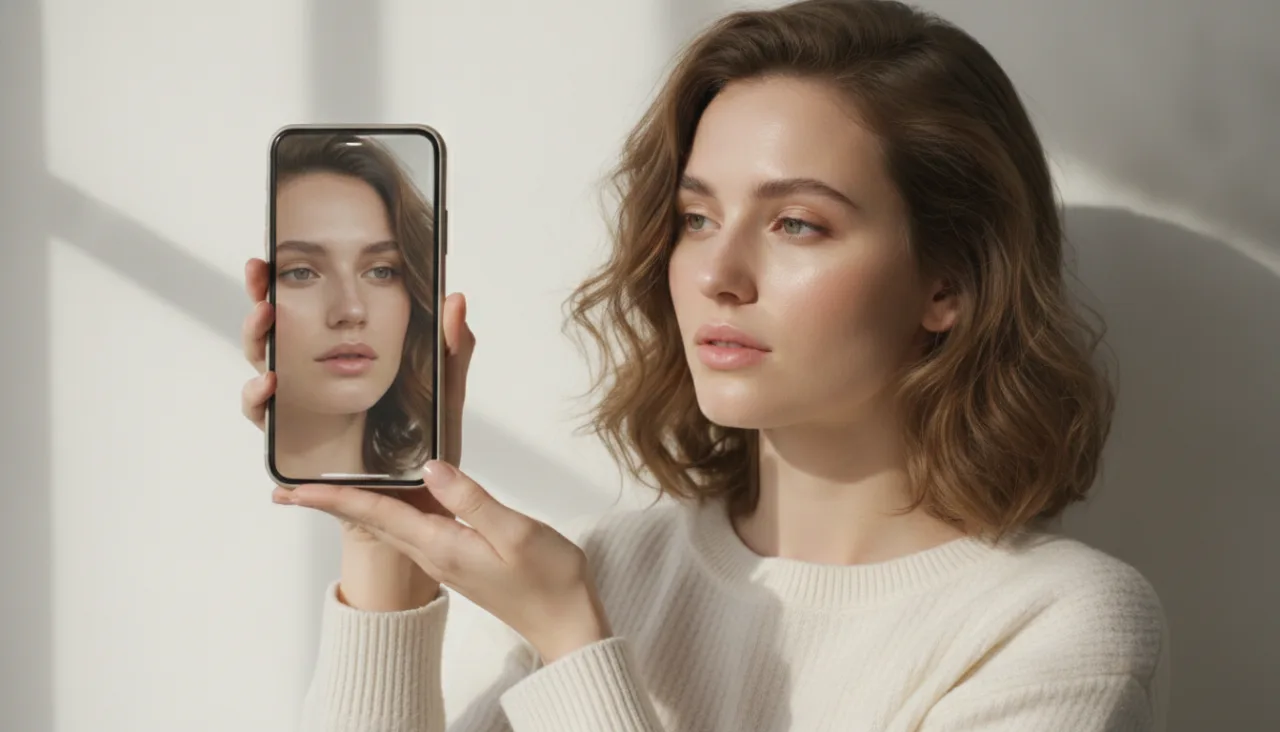
The whole process begins with a single photo. Use a recent picture where your face fills a good part of the frame and you are looking straight at the camera. Front-facing shots give the software the clearest view of your eyes, lips, and skin, which makes the result look far more like you.
Lighting matters more than the camera you use. Stand near a window or in a well-lit room so your face is evenly bright with soft shadows. Avoid photos taken in dark rooms, under harsh overhead lights, or with strong colored lighting, because uneven light can change how colors sit on your skin.
Keep the photo free of heavy filters, beauty modes, or edited skin. Filters smooth away the exact texture and tone that make a try-on believable, so the makeup can end up floating oddly on an already-altered face. A plain, unedited selfie is the most useful input you can give.
Which Makeup Looks to Test First
It helps to start with a look close to what you already wear, then move outward. If you usually go bare, Natural Glow or Clean Girl shows a soft, everyday result that is easy to judge. If you often wear more color, Party Makeup or Soft Glam gives you a dressier version to compare.
For events, test the bold options early. Wedding Makeup, Bold Glam, and Smokey Eyes are the looks people most want to preview before a big day, because those styles are hard to picture from a product photo alone. Seeing them on your own face tells you quickly whether the intensity suits you.
You do not need to try all seven looks at once. Pick two or three, generate them, and compare them side by side in your history. Working in small batches keeps the decision clear and stops every look from blurring together in your mind.
How to Judge Whether a Look Works for You
Look at three things: undertone, lip color, and eye shape. Check whether the foundation and blush read warm, cool, or neutral against your neck, since a mismatch there is the fastest sign a look is off. Then see if the lip shade flatters your natural coloring.
For eyes, notice how the shadow and liner sit around your eye shape. A Smokey Eyes result on a rounder eye can look very different from the same look on a hooded eye, and that difference is exactly what a preview is for. Trust what you see over what you expected.
Finally, ask whether the look feels like you on a good day. A try-on that looks impressive but unfamiliar may not be the one you reach for. The most useful result is often the quiet one that you would happily wear twice.
Common Mistakes That Ruin an AI Try-On
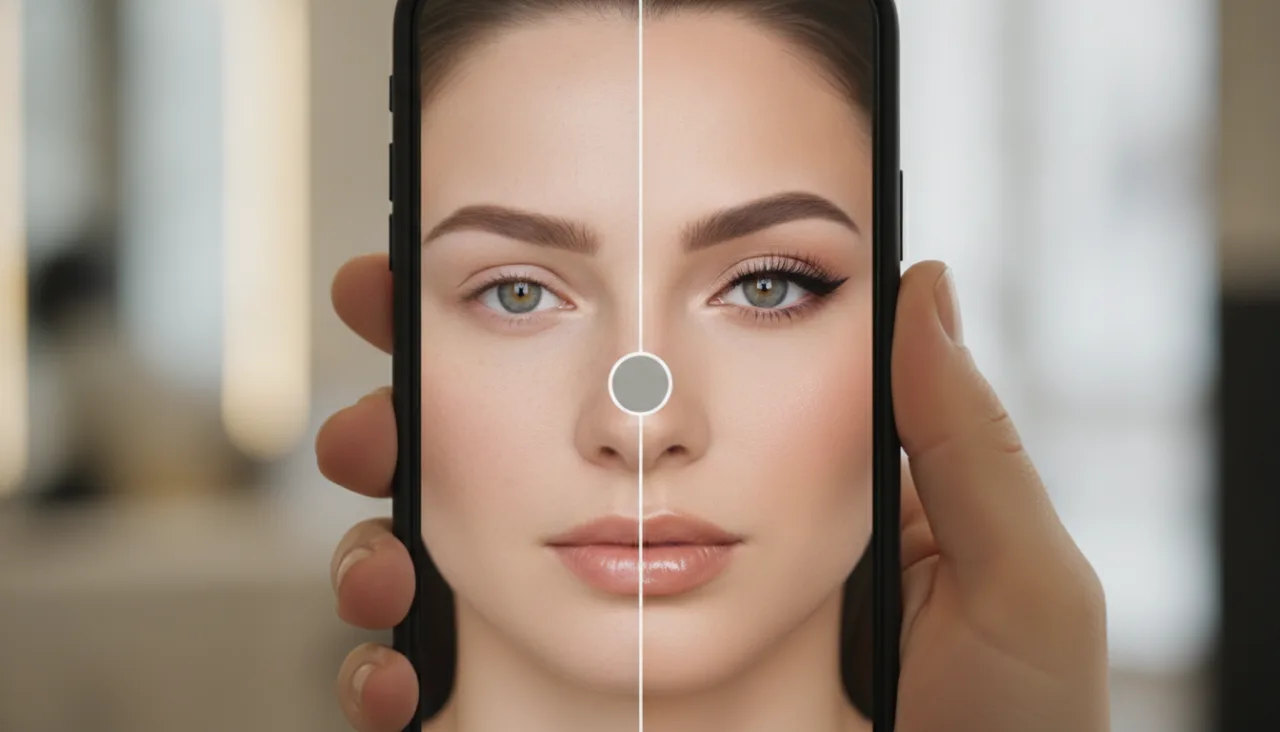
The most frequent problem is a dark or blurry photo. In low light the software has less clean detail to work with, so colors can look muddy and edges can smear. Take a few seconds to find better lighting before uploading, and the difference is immediate.
Sunglasses, hands, or hair across the face hide the features the try-on needs. Let the whole face show. The same goes for a tilted or turned head, which can pull the mapping of lips and eyes slightly off and make the makeup land in the wrong place.
Extreme angles and heavy edits cause similar trouble. A photo taken from below, from the side, or through a strong filter gives the software much less to recognize, and the result can drift noticeably from your real face in ways that are hard to fix later.
Using the Results When You Shop or Plan
When you shop, keep your favorite try-on images handy on your phone. A shade that looked promising in a store photo can read completely differently once you see it on your face, so the previews help you spend on shades you are more likely to actually wear.
For events, use the previews to plan rather than guess. Decide the overall direction first, then narrow down the lip and eye shades that support it. This is where UpUpImg fits naturally, letting you test a full look in your own photo before the day arrives.
You can also save a couple of options and revisit them closer to the date, since your taste and the lighting of the venue may shift your choice. A quick second look costs little and often settles a difficult decision once and for all.
See it on your own photo
Upload one photo, choose a look, and preview the result in seconds. New accounts start with 20 free credits and every generated image costs 10.
Try AI Makeup